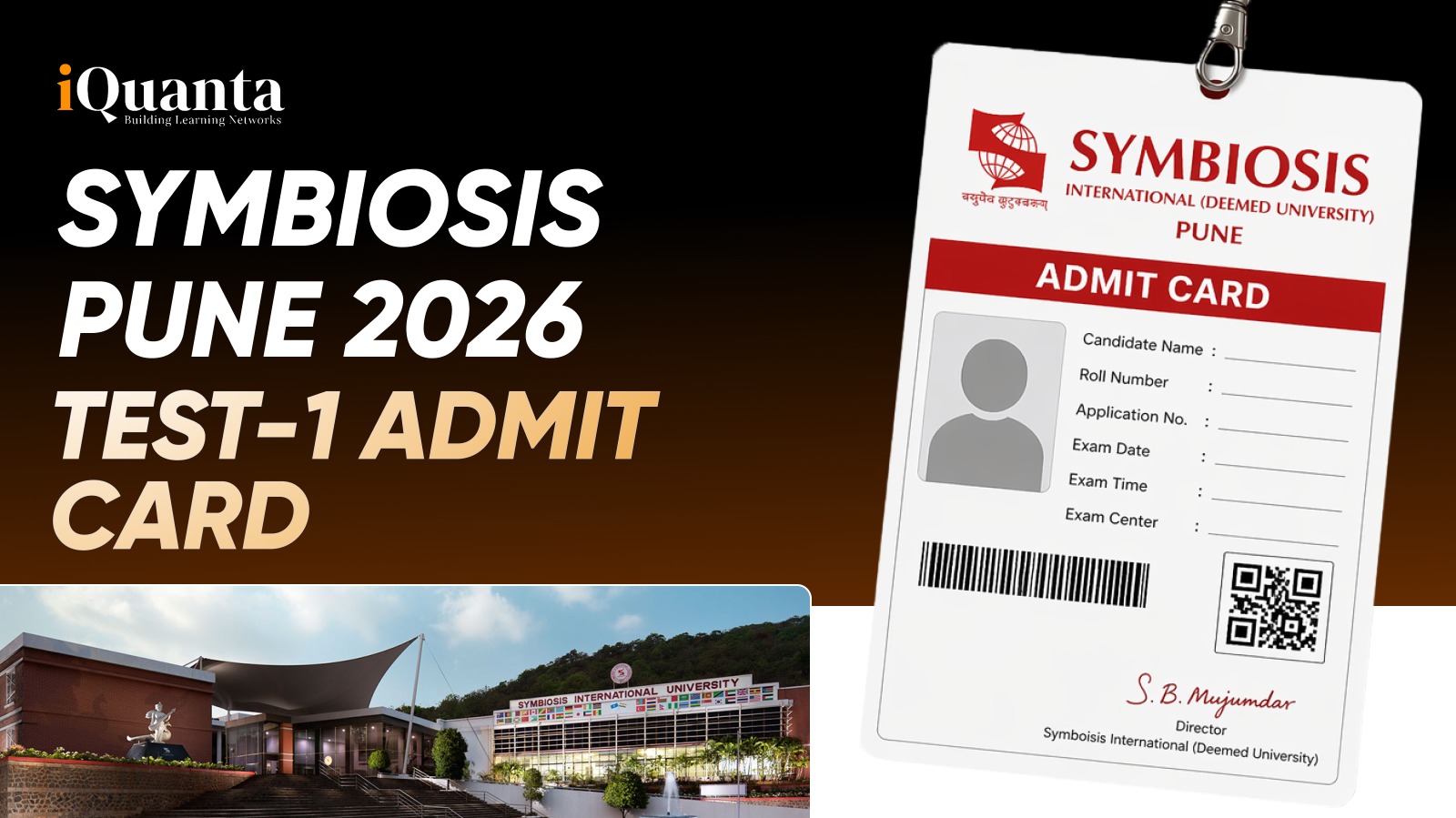
Candidates, are you ready to crack SET 2026? Symbiosis Pune has released the admit card for Test 1 on its official website. Candidates with the Symbiosis Pune admit card for test 1 are eligible to appear for the exam to be held on May 2, 2026. Those who have registered can download the set 1 admit card using their SET 2026 credentials.
Join this free IPMAT preparation WhatsApp group to get free study material, strategies by toppers and experts, latest updates and more
Symbiosis Pune Set 1 Admit Card Out
Test 1 Symbiosis Pune Admit Card is available for download at set-test.org for admission in diverse UG programmes across 16 institutes. Symbiosis Pune Set 2 admit card 2026 will expected to be released on April 30, 2026. The set 2 admit card will be valid for the SET 2026 Test 2 to be held on May 10, 2026.
Credentials Required to Download Symbiosis Pune Admit Card 2026
Registered candidates need to download the admit card using desktops or laptops. The institute has cited not to use phones or tablets to download the admit in their official websites. The credentials required to download the Symbiosis Pune Set 1 Admit Card are:
- SET 2026 ID
- Password
Symbiosis Pune Set 1 Admit Card – Steps to Download
Here’s the step by step guide to download the Symbiosis Pune admit card for Test 1:
Step 1: Visit the official website: set-test.org
Step 2: Click on the tab ‘Download Admit Card for SET 1/SITEEE 1’
Step 3: A window titled ‘SET/SITEEE 2026 – Admit Card Login’ will pop up.
Step 4: Enter your SET 2026 ID and Password.
Step 5: Click on Login
Step 6: Download your Symbiosis Pune Test 1 Admit Card 2026
Symbiosis Pune Set 1 Admit Card – How To Retrieve Password
Here’s step by step guide to retrieve your password:
- In case you have forgotten your password, follow till Step 3 provided above. Or you can directly click – https://set2026.ishinfosys.com/SYM20-SET26/apply/ForgotPassword.aspxNext, click on the ‘Forgot Password’ tab.
- Enter your name and registered email ID
- Enter your Date of Birth and click on submit.
Important Instructions Regarding Symbiosis Pune Set 1 Admit Card
- Only coloured printouts of Symbiosis Pune admit will be accepted. Black and white printouts are prohibited.
- Candidates need to paste a recent colored passport photograph against the space provided in the Test 1 admit card. The passport photo should not be more than 6 months old.
- Candidates need to carry an original photo ID proof along with the admit card on the exam day. Any one of the following photo ID will be accepted – Passport/Driving License/Voter ID Card/PAN Card/AADHAR Card (UID)/College ID Card
- Paste a recent, coloured passport-size photograph on the admit card.
- Candidates must make sure to keep an extra printout of the Symbiosis Pune Set 1 admit card 2026 for future reference.
Wrapping Up
Symbiosis Pune admit card is available for download. From downloading it correctly using your credentials to following the prescribed instructions, know that every step plays an important role for a smooth exam-day experience. Make sure your admit card is printed in color and accompanied by a valid ID proof. With Test 1 scheduled for May 2, 2026, now is the time to stay focused, and double-check all requirements. Remember, a well-prepared approach today will set the tone for your performance tomorrow.

Symbiosis Pune Admit Card FAQs
You can download the admit card from the official SET website using your SET ID and password under the “Download Admit Card” section.
Use the “Forgot Password” option on the login page. Enter your registered email ID, name, and date of birth to reset it.
Yes, candidates must carry a coloured printout of the admit card along with a valid original photo ID to the exam centre; otherwise, entry will be denied.