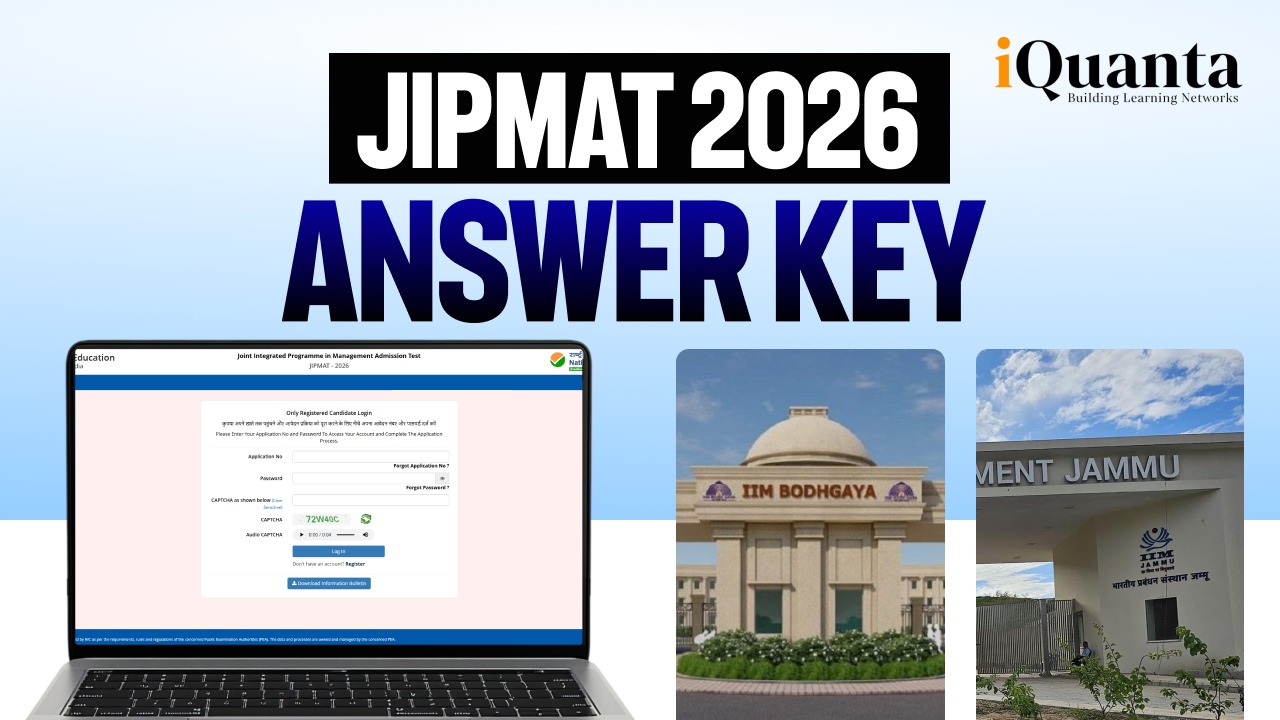
The provisional answer key for the Joint Integrated Programme in Management Admission Test (JIPMAT), conducted by NTA on June 7, 2026 is now out. Candidates who appeared for JIPMAT 2026 can download the answer key and challenge them, if any, within the given timeline. This blog will take you through all the steps that you need to follow to download and challenge the answer keys. The important dates related to the same are provided as well.
Join this free IPMAT preparation WhatsApp group to get free study material, strategies by toppers and experts, latest updates and more

How to Check and Download JIPMAT 2026 Answer Key?
Here is the step by step guide to download the provisional answer key for JIPMAT 2026:
Step 1: Visit the NTA official website : exams.nta.nic.in/jipmat/
Step 2: Click on the ‘Answer Key Challenge for JIPMAT 2026’ link available on the latest news section and candidate activity section.
Step 3: A log in window named ‘JIPMAT 2026’ will pop up.
Step 4: Registered candidates can log in using their JIPMAT 2026 application number and password.
Step 5: Enter the CAPTCHA as shown below.
Step 6: Click on ‘Login’.
Step 7: Download the answer key and take a printout for future reference.
Challenge JIPMAT 2026 Provisional Answer Key – Important Dates
| Particulars | Dates |
| JIPMAT 2026 – Answer Key Challenge Duration | June 10 – 12, 2026 (up to 10 PM) |
| JIPMAT 2026 – Last Date of Payment | June 12, 2026 (up to 11:50 PM) |
JIPMAT 2026 Provisional Answer Key Challenge Fees
| Particulars | Fees |
| JIPMAT 2026 – Answer Key Challenge Fees | Rs 200/Claim |
Challenge JIPMAT 2026 Provisional Answer Key – A Step by Step Guide
Follow the given steps to challenge the answer key:
Step 1: Visit the website – exams.nta.nic.in/jipmat/.
Step 2: Click on ‘Challenge (s) regarding Answer Key’.
Step 3: Log in using your JIPMAT 2026 application number and password.
Step 4: To check your marked responses, click on th tab titled ‘View Question Paper’.
Step 5: Click on the link ‘Click to View/Challenge Answer Key’, to challenge the answer keys.
Step 6: Before moving to the next step, make sure you refer to the question paper and match it with the Question ID listed in the answer key.
Step 7: The correct answer key is mentioned in the ‘Correct Option(s)’ column provided against the Question ID.
Step 8: If you wish to challenge an answer, you need to click on one of the remaining four option IDs that you think is the correct answer.
Step 9: To support your answer, you need to upload the necessary documents by clicking on the ‘Choose File’ option.
Step 10: Click on ‘Submit and Review Claims’.
Step 11: A screen with the list of option IDs against the answer keys challenged will be displayed.
Step 12: Click on ‘Modify Your Claims’, if you want to modify your challenged answers.
Step 13: Click on ‘Final Submit’.
Step 14: Click on the ‘Pay Now’ button. The claims will be recorded only after successful payment of the fee.
Step 15: The modes of payment accepted are Debit/Credit Card/Net Banking/UPI.

FAQs: JIPMAT 2026 Answer Key
NTA has released the JIPMAT 2026 provisional answer key. Candidates can visit exams.nta.nic.in/jipmat/ to download it.
Go to exams.nta.nic.in/jipmat/, and click on ‘Answer Key Challenge for JIPMAT 2026’. Enter your application number and password.
You can challenge the JIPMAT 2026 answer key by following the steps provided in the blog above. The fee is Rs 200 per claim.